 Tallytide
Why children keep coming back
Explaining a mistake is one of the best ways to understand maths. Tallytide turns that into a game.
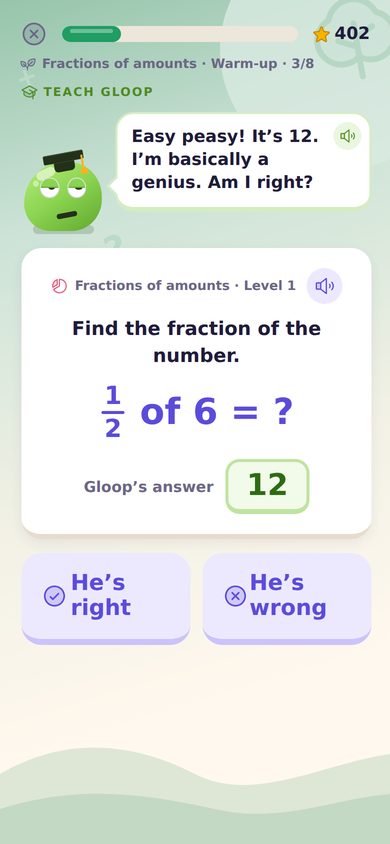
Teach Gloop
Gloop answers with total confidence, and often wrongly. Your child decides if he's right, gives the real answer, and picks the reason he slipped.
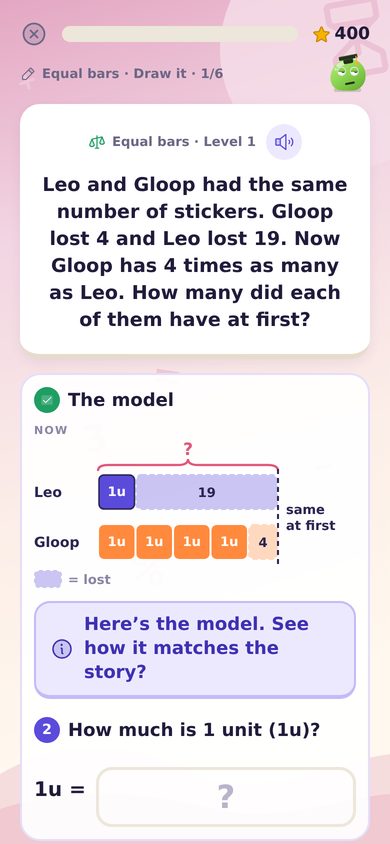
Bar models, step by step
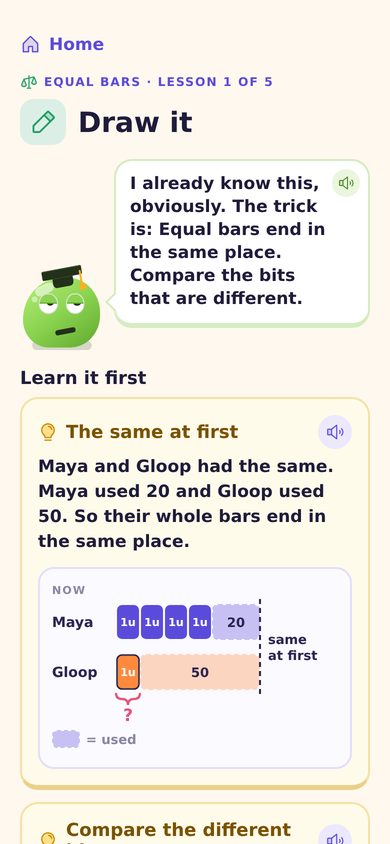
Word problems the Singapore way: draw the model, find 1 unit, then answer. Every step is checked, with a clear worked solution.
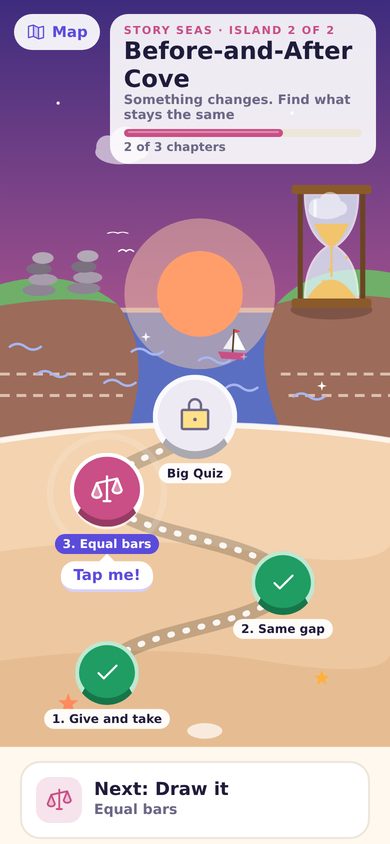
An island adventure
Sail from Counting Beach to Before-and-After Cove. Each island ends with a Big Quiz, a medal and a souvenir for Gloop.
A look inside
Short lessons, big friendly buttons, and help from Professor Pickle when your child is stuck.
What it covers
Two worlds and 11 islands. A short warm-up quiz finds the right starting point, so older children don't start at 1 + 1.
World 1: The Tally Isles
Numbers, measures and shapes, one topic at a time.
- Adding and taking away
- Numbers to 1000
- Times tables
- Dividing
- Fractions
- Decimals
- Percentages
- Telling the time
- Measures
- Perimeter and area
- Volume
- Order of operations
- Algebra
- Ratio and rate
- Pie charts
- Angles
- Triangles and four-sided shapes
- Circles
World 2: The Story Seas
Word problems, solved with the methods Singapore schools teach.
- Bar models
- More and less
- Times as many
- Fraction bars
- Before and after
- Give and take
- Same gap (ages)
- Equal bars
For grown-ups
- Free while we build it with families like yours.
- No ads, no tracking, no accounts. Progress stays on your device. Privacy
- A grown-up code guards progress reports and settings.
- Reviews welcome. Send one from the Grown-ups area. We read every one.
Put it on your Home Screen
- Open Tallytide on your child's iPad, iPhone or Android.
- iPad or iPhone: tap Share, then “Add to Home Screen”. Android: tap ⋮, then “Add to Home screen”.
- Open it from the new Gloop icon. It runs full screen and keeps progress safe.